


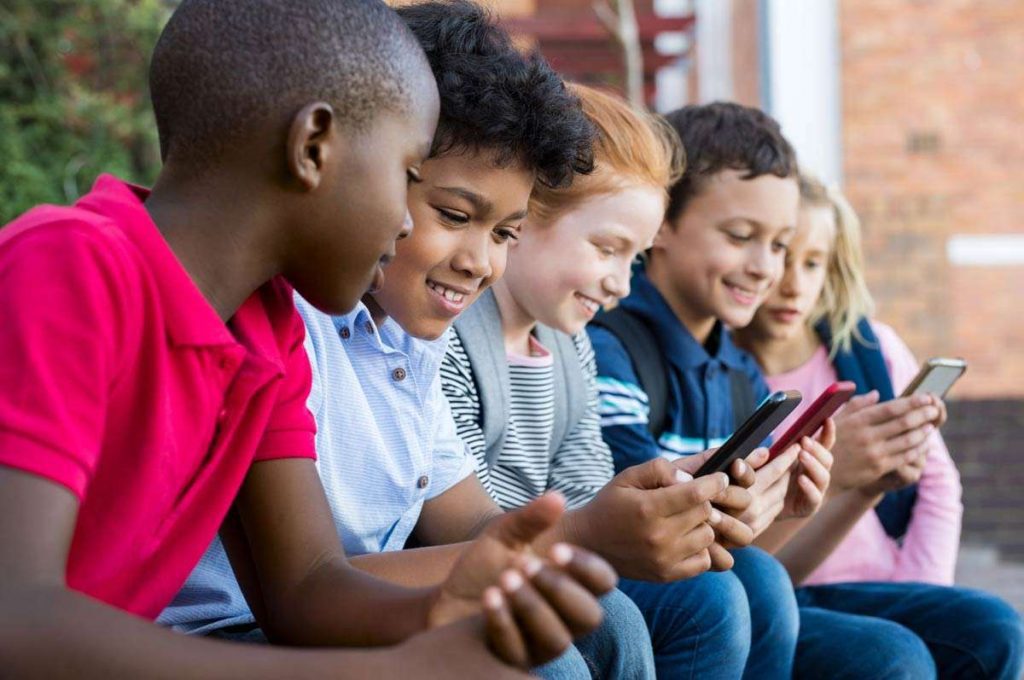
In today’s digital age, ensuring the safety of our children has taken a new form. Besides teaching them about safe crossing on the roads and encouraging open conversations about their day, we now need to help them navigate through the complex digital world. The omnipresence of smartphones, particularly iPhones, in our kid’s lives has amplified the need for parental supervision. This article will get you through the details of how parents can track their kid’s iPhone to ensure their safety without compromising their privacy.
Contents
Need for Tracking
As parents, we all want to keep our kids safe in today’s digital world. While we trust our children, it’s important to stay aware of potential risks they face when using smartphones. Many kids don’t tell their parents everything about where they go or who they talk to online – not because they’re doing anything wrong, but because they value their privacy and independence.
However, the internet can be risky for young people. They might encounter cyberbullying on social media, come across inappropriate content, or be contacted by strangers with bad intentions. There’s also the challenge of managing how much time they spend on their phones, since too much screen time can affect their sleep, schoolwork, and social life.
Monitoring a child’s iPhone activity isn’t about invading their privacy – it’s about finding the right balance between giving them freedom while ensuring their safety. The goal is to protect them from online dangers while teaching them responsible digital habits.
The Balance Between Supervision and Privacy
As we discuss tracking, it’s important to strike a balance between supervision and privacy. We must respect our children’s growing independence while ensuring their safety. Remember, the goal is to protect them, not invade their privacy. Always communicate your intentions and reassure them that their privacy is respected.
| Aspect | Supervision Approach | Privacy Consideration | Recommended Balance |
| Location Tracking | Monitor general whereabouts during agreed times | Allow privacy in safe zones (home, school) | Set specific tracking hours and discuss boundaries |
| Message Monitoring | Review communications with unknown contacts | Respect private conversations with friends | Focus on safety flags rather than reading all messages |
| Screen Time | Track total usage and app patterns | Allow personal time within set limits | Create agreed-upon schedules for device use |
| Social Media | Monitor public posts and new connections | Respect private messaging with known friends | Regular check-ins about online experiences |
| App Downloads | Oversee new app installations | Allow age-appropriate app choices | Review apps together and discuss their purpose |
| Web Browsing | Monitor for inappropriate content | Allow reasonable privacy for regular browsing | Use content filters while permitting general access |
| Device Settings | Maintain parental controls | Give increased access with demonstrated responsibility | Gradually reduce restrictions as trust builds |
| Digital Agreement | Set clear expectations and rules | Include child’s input in creating guidelines | Review and adjust rules as child matures |
| Communication | Regular discussions about online safety | Create safe space for sharing concerns | Open dialogue without judgment |
| Trust Building | Acknowledge good digital choices | Respect growing independence | Reward responsible behavior with increased freedom |
Using Built-In iPhone Features
Find My
One of the simplest ways to track an iPhone is using Apple’s built-in feature, ‘Find My.’ Initially designed to locate lost devices, it’s an effective way to know your child’s whereabouts. To use this feature, the ‘Share My Location’ option must be enabled on your child’s device. Here’s how:
- Open the ‘Settings’ app on your kid’s iPhone.
- Scroll down to ‘Find My’ and tap it.
- Ensure ‘Find My iPhone’ is switched on.
- Go back and tap on your child’s name at the top of the Settings.
- Tap ‘Find My’ and enable ‘Share My Location.’
You can then locate their device through the Find My app on your own iPhone.
Screen Time
The Screen Time feature, introduced in iOS 12, can also be used for parental control. It allows parents to set content and privacy restrictions, limit screen time and even see which apps are being used most frequently.
Here’s how to set it up:
- Go to ‘Settings’ on your child’s iPhone.
- Tap on ‘Screen Time.’
- Set a Screen Time Passcode. This passcode prevents children from changing the settings.
- Tap ‘Use Screen Time Passcode’ and enter a passcode.
- To use ‘Family Sharing,’ go back to ‘Settings,’ click on your name, then click ‘Family Sharing’ and ‘Screen Time.’
Third-Party Apps for More Control
While Apple’s built-in parental control features can provide a layer of protection for young iPhone users, there are times when more extensive monitoring and control are necessary. Several third-party applications offer advanced parental control options that go beyond location tracking and screen time restrictions.
Here are few reputable third-party apps designed for better iPhone control.
| App | Key Features |
| Bark | Monitors a variety of social networks, text messaging platforms and email. Utilizes advanced algorithms to detect potential risks such as cyberbullying, suicidal thoughts, online predators and sexting. Alerts parents with advice on how to address issues. |
| Qustodio | Offers a robust suite of parental control features, allows parents to manage device use, set app time limits, block inappropriate content, provides real-time location tracking and a panic button for emergencies. |
| Net Nanny | Excels in content filtering using AI, allowing real-time web page analysis and blocking of inappropriate content. Provides screen time management, app blocking and location tracking. |
| Norton Family | Provides a wide range of parental control and monitoring features including web filtering, time schedule restrictions and location tracking. Gives detailed reports on children’s online activity. Full range of features requires a Norton Family Premier subscription. |
| OurPact | Easy-to-use parental control app with tracking, management and schedule features. Allows parents to block texting and internet apps, set screen time limits, locate children through the app and set up geofences for ‘no-phone zones.’ |
Frequently Asked Questions
Yes, as a parent or legal guardian, you have the right to monitor your minor child’s online activities for their safety. However, it’s essential to have a discussion with them about why you are doing it to maintain trust and understanding.
That depends on the method used. The ‘Find My’ feature on iPhone is open and visible. However, some third-party apps have stealth modes, which can operate without your child’s awareness. Regardless, it’s recommended to discuss with your child about why you’re tracking their device.
This depends on the security settings on the device and the app’s design. Some apps have passcode protection features that prevent them from being disabled without your approval. However, a technically savvy child might still find a way to circumvent some measures, so open communication is always best.
No, location tracking is just one aspect of digital safety. Other crucial aspects include controlling access to inappropriate content, managing screen time, monitoring online interactions and educating your child about safe online behaviors.
Yes, some apps, like Bark, can monitor activity on various social media platforms for potentially dangerous behaviors or content. However, this often requires additional permissions or account details.
Start by having an open and calm discussion with your child. Understand the context and listen to their side of the story before jumping to conclusions. If necessary, seek advice from professionals, such as counselors or child psychologists. Most importantly, remind your child that you’re there to protect and support them.
Conclusion
While tracking your kid’s iPhone is a tool to ensure their safety, it’s equally important to have open conversations about internet safety. Set boundaries and rules about phone usage and discuss potential online dangers. Technology can aid in parenting, but nothing replaces open and honest communication. With mutual trust and the right tools, we can provide our children a safe and healthy digital environment.
Summary
The article discusses the importance of balancing child safety and privacy when monitoring children’s iPhone usage. It outlines key strategies for parents to protect their children from online risks like cyberbullying, inappropriate content and excessive screen time. The article explains two main approaches: using built-in iPhone features (Find My and Screen Time) and third-party applications like Bark and Qustodio for enhanced monitoring capabilities. It emphasizes that successful monitoring requires open communication with children about why tracking is necessary, setting clear boundaries, and adjusting restrictions as children demonstrate responsible behavior. The ultimate goal is to create a safe digital environment while maintaining trust and teaching children about responsible technology use.